
Find Massachusetts Court Docket Records
Massachusetts court docket records are open to the public. You can search case filings, view hearing dates, and access docket entries for cases filed across all 14 counties. The eAccess portal at masscourts.org is the main tool for searching court dockets online. It covers District Courts, Superior Courts, Probate and Family Courts, Housing Courts, Land Courts, and the Boston Municipal Court system. Anyone can use it at no cost.
Massachusetts Court Docket Overview
What Massachusetts Court Docket Records Contain
A court docket is the official log of every step in a case. When a new case is filed in Massachusetts, the court opens a docket and records every filing, hearing, and order in it. You can use the docket to track a case from start to finish without reading every document in the file. It shows you the dates of key events, the names of parties and attorneys, and what the court has ordered.
Massachusetts court dockets cover many types of cases. Civil dockets include lawsuits between individuals, businesses, and government agencies. Criminal dockets record charges, hearings, and verdicts. Family dockets cover divorce, custody, and support cases. Probate dockets deal with estates, wills, and guardianships. Housing dockets handle eviction and landlord-tenant disputes. Land Court dockets address property title and zoning matters. Each case type has its own case number format and docket structure.
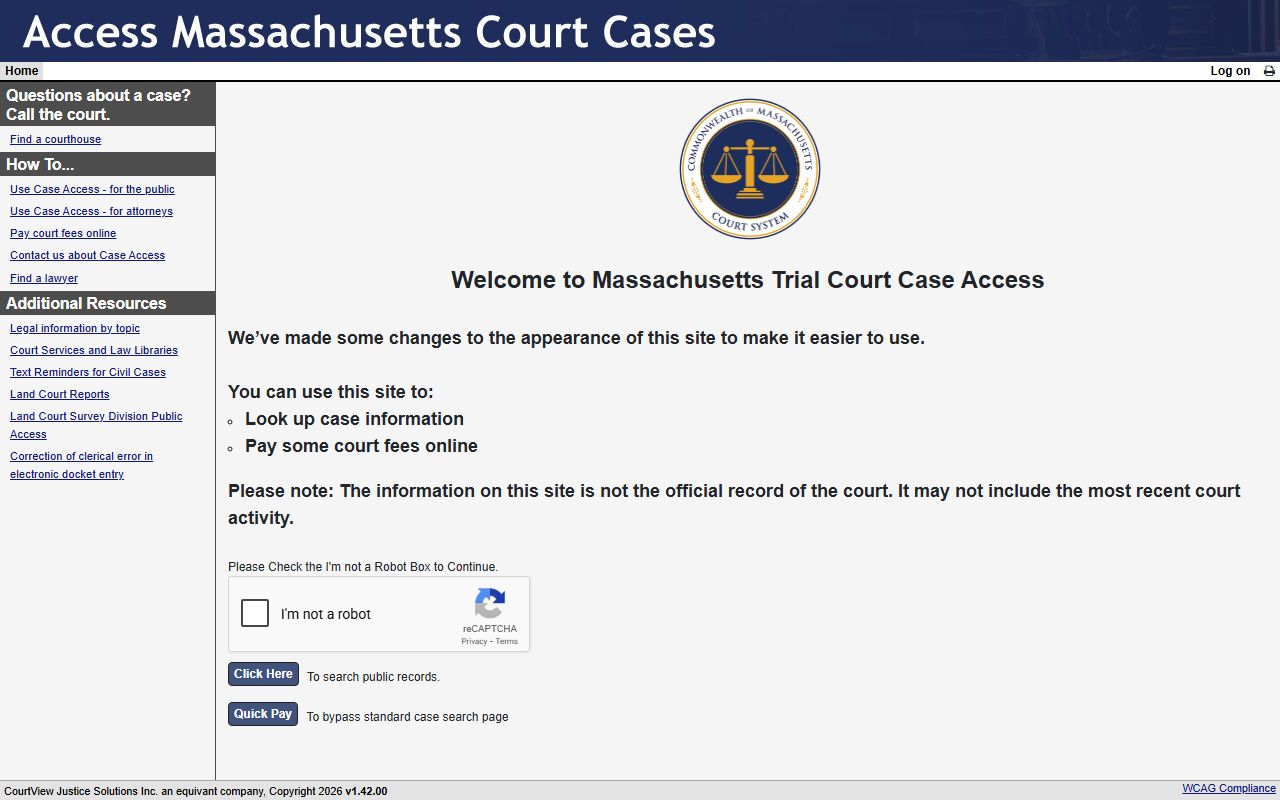
The Massachusetts Trial Court Electronic Case Access (eAccess) portal lets you search dockets for all Trial Court departments. You can search by name for civil cases, or by case number for any case type. The system returns up to 100 results per search and shows party names, case status, and docket entry dates. Case numbers in Massachusetts follow a strict format that differs by court type. For example, a District Court case might look like 1153CV000005, while a Superior Court case looks like 1473CV00213.
Dockets do not always include the full text of documents. They show a list of filings and orders but may not link to the actual papers. Some documents are only available in person at the courthouse. Public access terminals at courthouses often give more complete access than the internet portal. This creates a two-tier system that favors in-person visits for detailed research.
How to Search Massachusetts Court Dockets
The eAccess portal is the fastest way to find Massachusetts court docket records online. It is free to use and does not require an account. You can search by name, case number, case type, or ticket and citation number. Name searching is only available for civil cases, not criminal ones. Case number searches work for all case types but require the exact format including correct capitalization, spacing, and leading zeros.
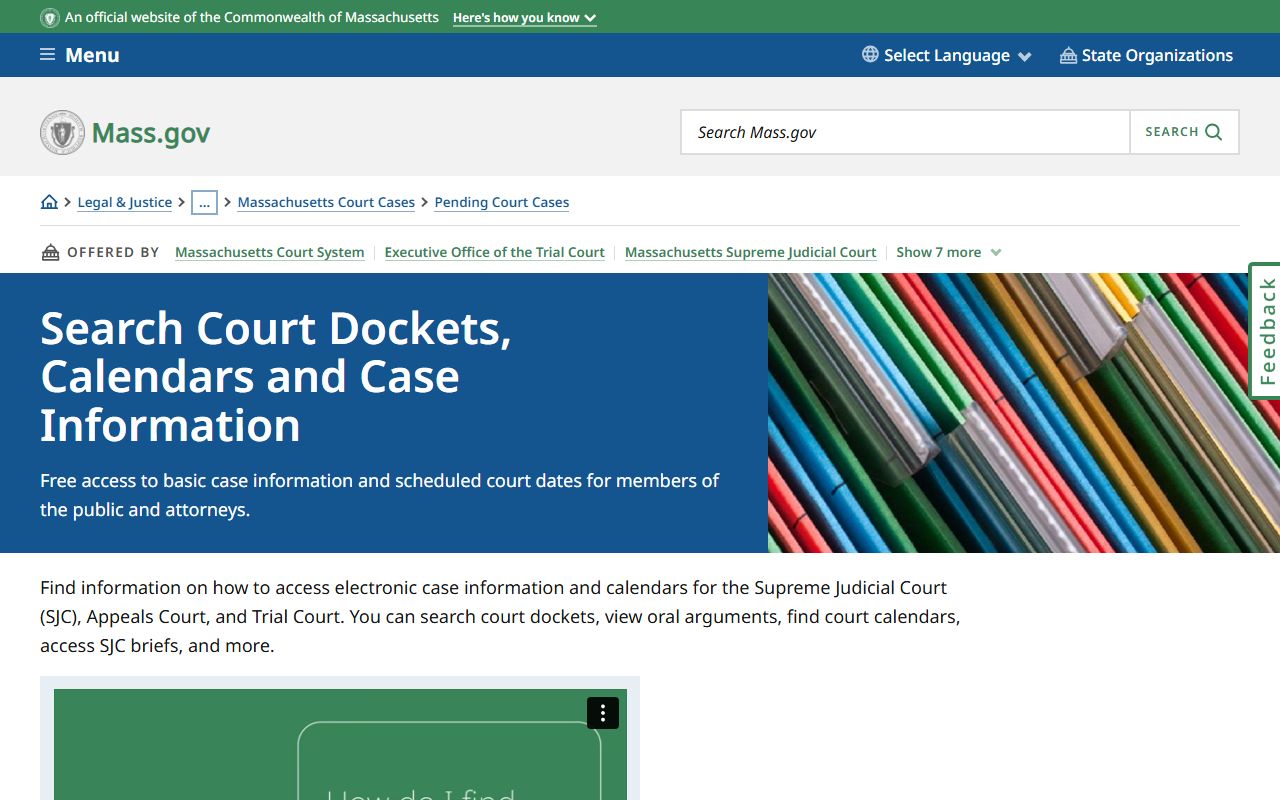
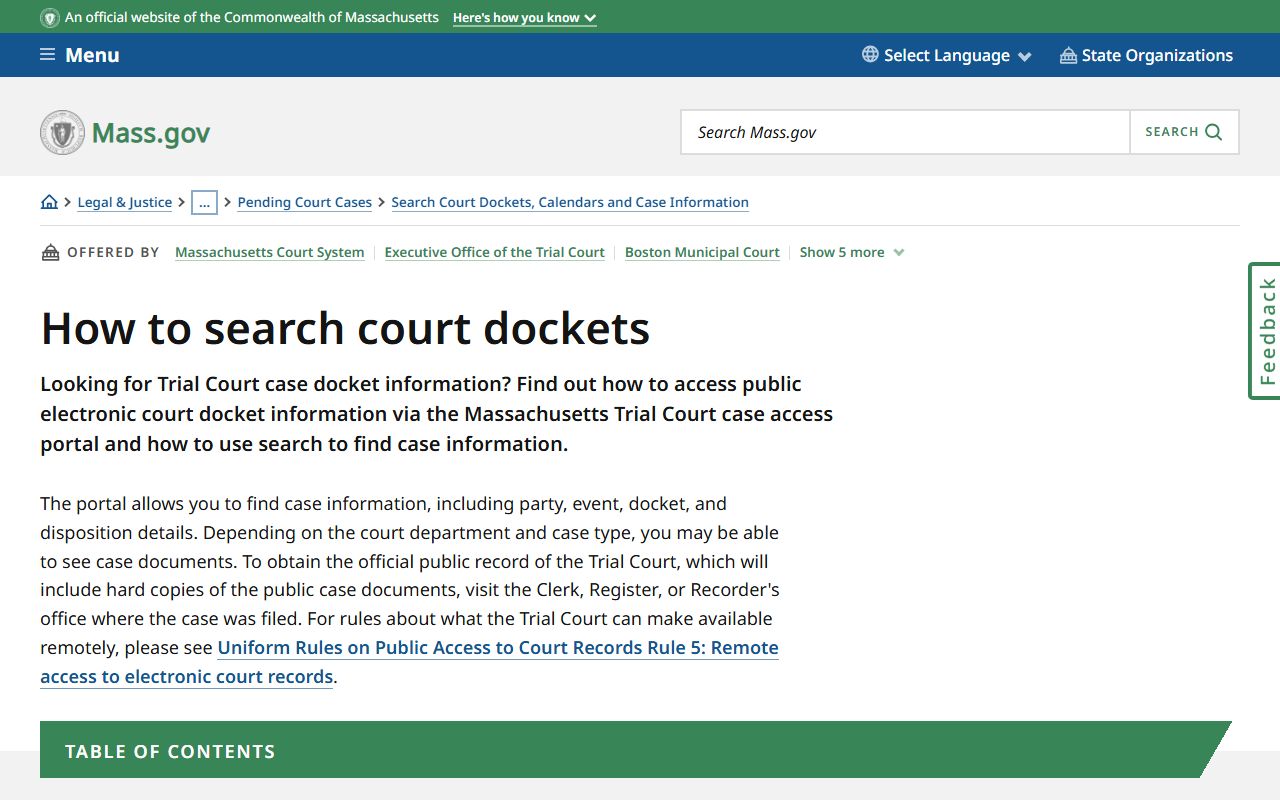
To start a search at eAccess, go to masscourts.org and check the CAPTCHA box to confirm you are not a robot. Then click the link to search public records. You will see a dropdown to pick the court department, then the division and location. After selecting these, you can use the name, case type, case number, or citation search tabs. The state offers a detailed guide on how to search court dockets with step-by-step instructions and tips for better results.
A few things to keep in mind when searching. Case numbers are case-sensitive and space-sensitive. Try adding a space or removing one if your search does not return results. Converted data from older systems is not always accurate. Some records from early periods may be missing or incomplete online. If you cannot find a case online, call the court clerk directly or visit in person. Clerks can do a manual search by name or case number.
Note: Name searches for criminal cases are not available through the public eAccess portal. You must search by case number for criminal dockets, or visit the courthouse in person.
Massachusetts Court Structure and Departments
Massachusetts has six Trial Court departments, each with its own docket system. The District Court is the most common entry point for criminal and civil cases. It handles misdemeanors, felony arraignments, civil claims up to $50,000, small claims, and many other matters. There are over 60 District Court divisions across the state, one in most counties and major cities.
The Superior Court handles serious felony cases and civil claims over $25,000. It also takes cases on appeal from the District Court. Each county has at least one Superior Court location, though some larger counties have two. The Probate and Family Court handles divorce, child custody, adoption, guardianship, and probate of estates. One Probate and Family Court serves each county.
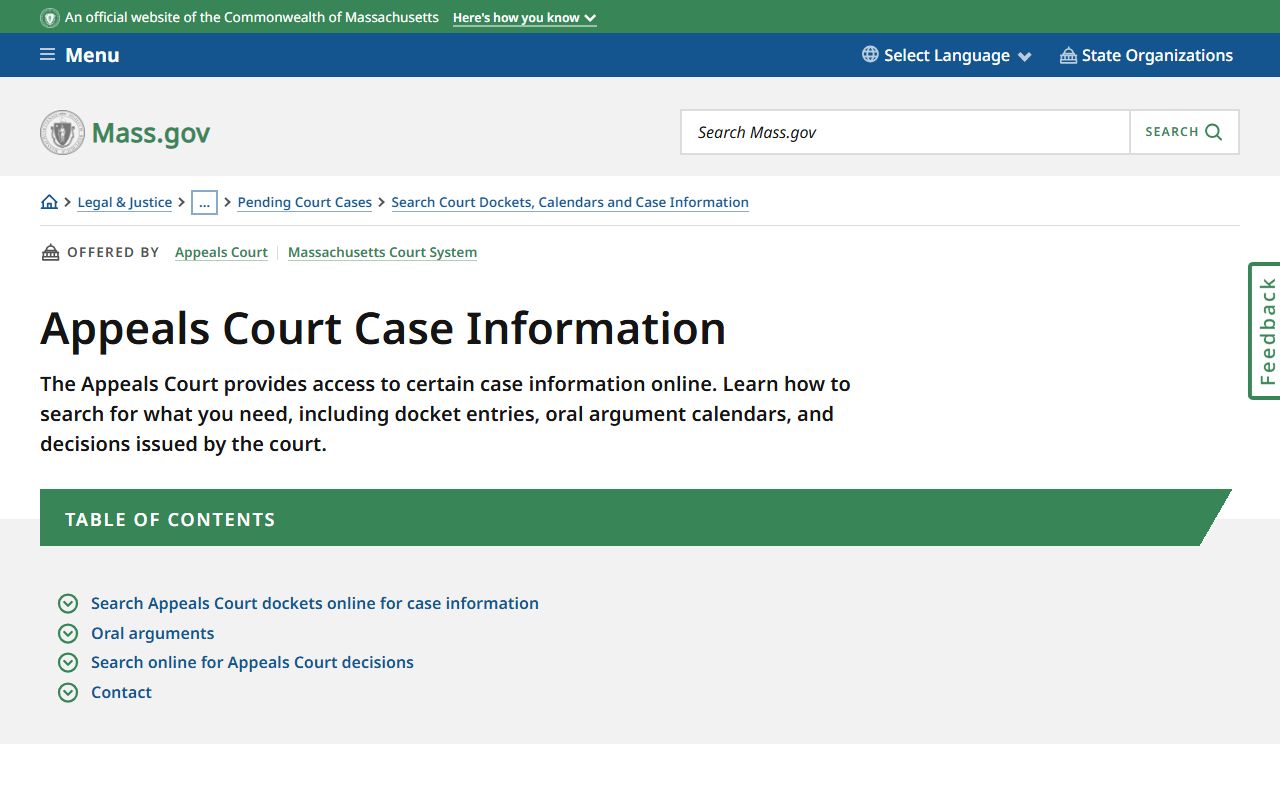
Boston has its own court system called the Boston Municipal Court (BMC). It operates separately from the District Court and has seven locations across Boston neighborhoods. The Housing Court is a specialized department for landlord-tenant matters and code enforcement cases. The Land Court handles title disputes, zoning appeals, and property registration. Above the Trial Courts sit the Appeals Court and the Supreme Judicial Court (SJC). The Appeals Court has covered dockets since January 1988, and the SJC since January 1992. Both appellate courts post oral argument recordings online for free since 2019.
Attorney Portal for Enhanced Court Docket Access
Massachusetts attorneys get extra access through the eAccess Attorney Portal. Every licensed attorney in the state receives an account automatically, linked to their Board of Bar Overseers (BBO) email. The portal lets attorneys view pending cases, access their hearing calendar, and search all cases across any court. They also get enhanced document access for cases where they are counsel of record.
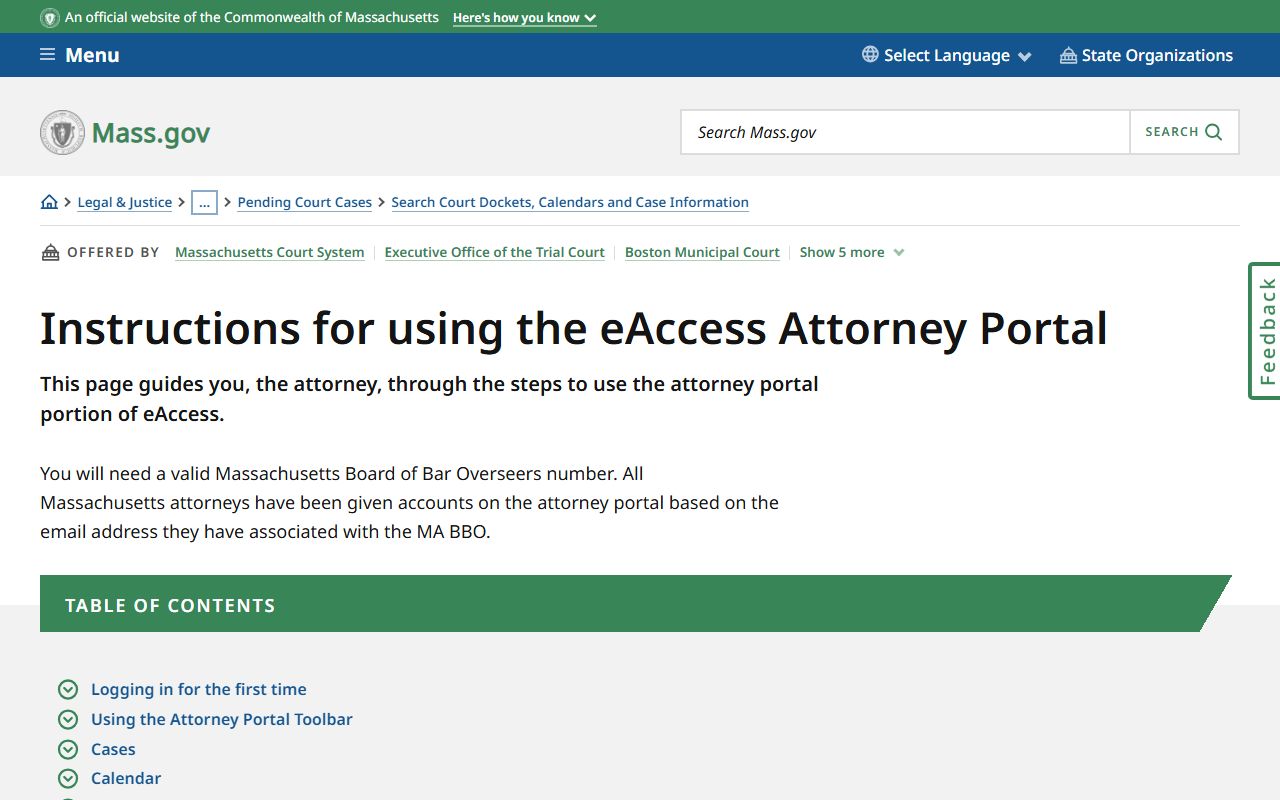
To access the attorney portal, go to masscourts.org and click "Log on" in the upper right corner. Use the "Forgot Password" link and enter your BBO-registered email to get a password reset. This is the only way to activate the account since no manual setup is needed. For attorney portal support, contact eAccess@jud.state.ma.us. The attorney portal instructions page on mass.gov has full details on features and usage.
Getting Copies of Massachusetts Court Docket Records
You have a few ways to get copies of court docket records in Massachusetts. Online, you can view docket information for free. Getting actual document copies costs money. Non-certified copies cost $0.50 per page at most Trial Court locations. Certified copies cost $2.50 per page. Certificates of orders, decrees, or judgments cost $20.00 each. Electronic documents in PDF format cost $5.00 per document.
For in-person requests, go to the clerk's office at the court where the case was filed. Most clerk's offices are open Monday through Friday from 8:30 a.m. to 4:30 p.m. Bring your case number or the names of the parties. Staff can search by name or case number and make copies while you wait. Credit cards, cash, and checks are accepted at most locations.
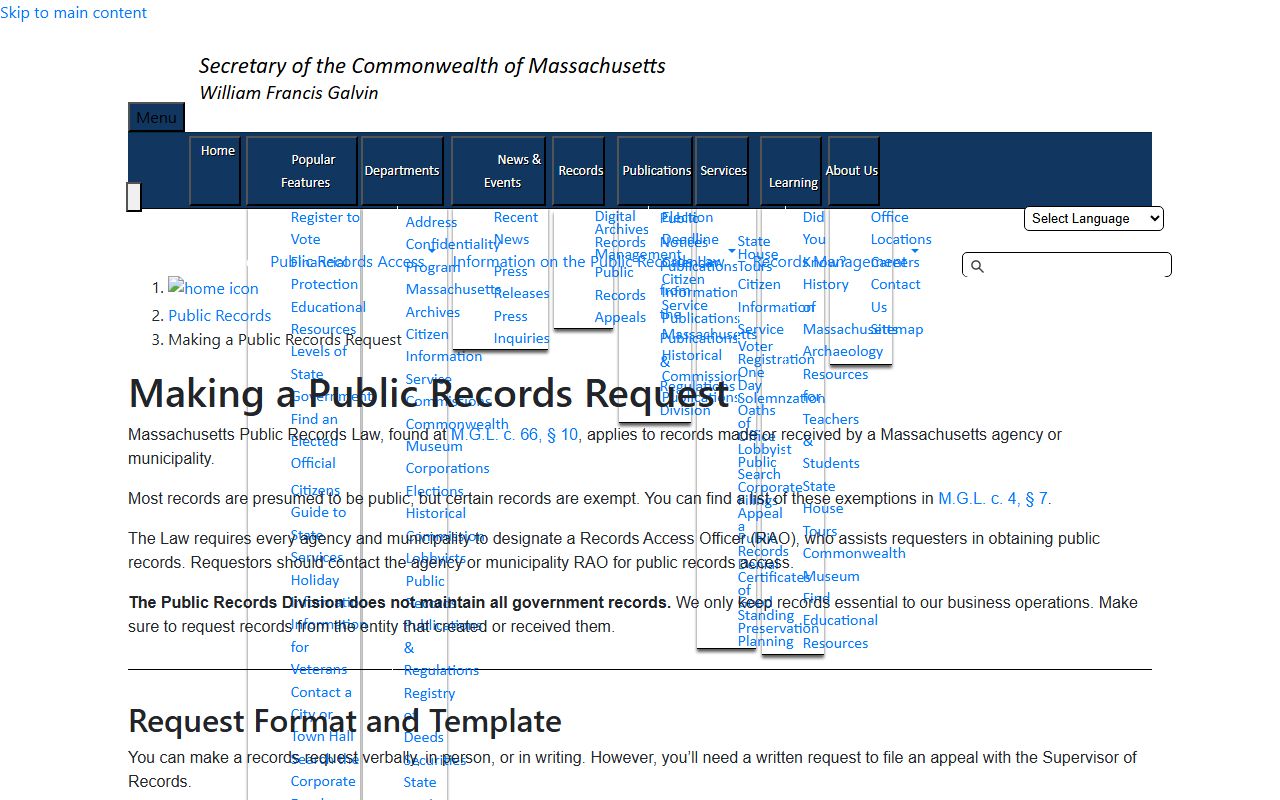
Mail requests are also accepted. Write a letter to the clerk's office of the appropriate court. Include the case name, docket number if you have it, the specific documents you need, your return address, and a self-addressed stamped envelope. Include payment by check or money order. Most mail requests are processed within 5 to 10 business days. The court must respond within 10 business days under M.G.L. c. 66, § 10.
For Appeals Court records, you can send requests by email to APCRecordsRequest@jud.state.ma.us. The Appeals Court also accepts requests through its e-pay web portal. Transcript costs range from $3.50 to $6.00 per page depending on how fast you need the transcript. Audio recordings of proceedings cost $50.50 per 90 minutes of recording.
Note: Fee waivers for court record copies are available for those who cannot afford to pay. File an Affidavit of Indigency at the clerk's office to apply.
Massachusetts Public Records Law and Court Access
Massachusetts law gives everyone the right to see public records. Under M.G.L. c. 66, § 10, "every person has a right, at reasonable times and without unreasonable delay, to inspect public records." This right covers court docket records at all Trial Court locations. You do not need to be a party to the case. You do not need to give a reason for your request.
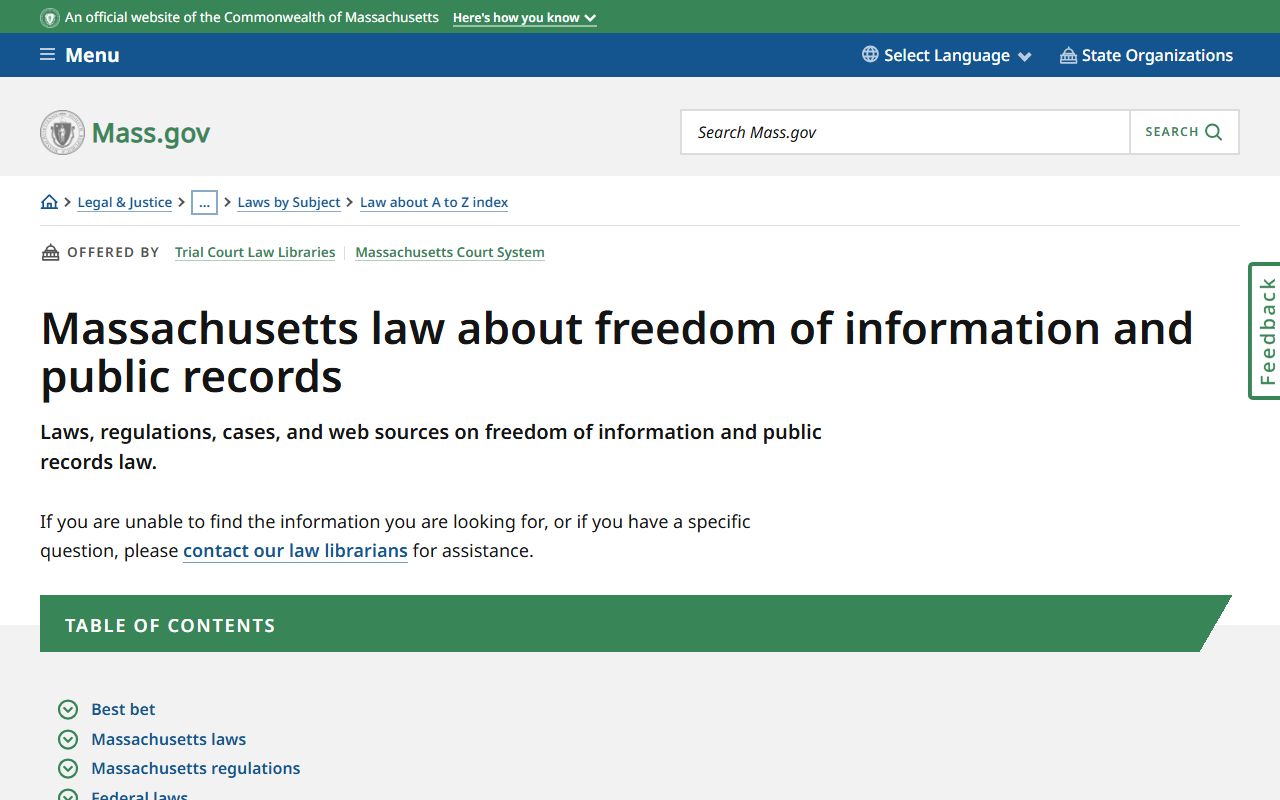
Some records are not open to the public. Juvenile cases are sealed by default. Mental health cases have restricted access. Sealed cases require a court order to view. Records in adoption proceedings are not public. Under Trial Court Rule VIII, which governs public access to court records across all Trial Court departments, impoundment is always the exception, not the rule. Judges may restrict access to specific records only when required by law or by a strong showing of need.
If a government agency denies your records request, you can appeal to the Supervisor of Records within 90 days under M.G.L. c. 66, § 10A. The Supervisor must issue a decision within 10 business days. If you win an appeal and the agency still does not comply, you can seek enforcement in Superior Court, which may also award attorney fees. The Massachusetts public records law is broader than federal FOIA and covers most state and local agency records, including court records.
Massachusetts also has the Criminal Offender Record Information (CORI) system under M.G.L. c. 6, § 167. CORI is separate from the public court docket system. Some criminal record information that is in CORI is not available through the public eAccess portal, even though the court hearing was public. This distinction is important when researching criminal case history.
Additional Resources for Massachusetts Court Dockets
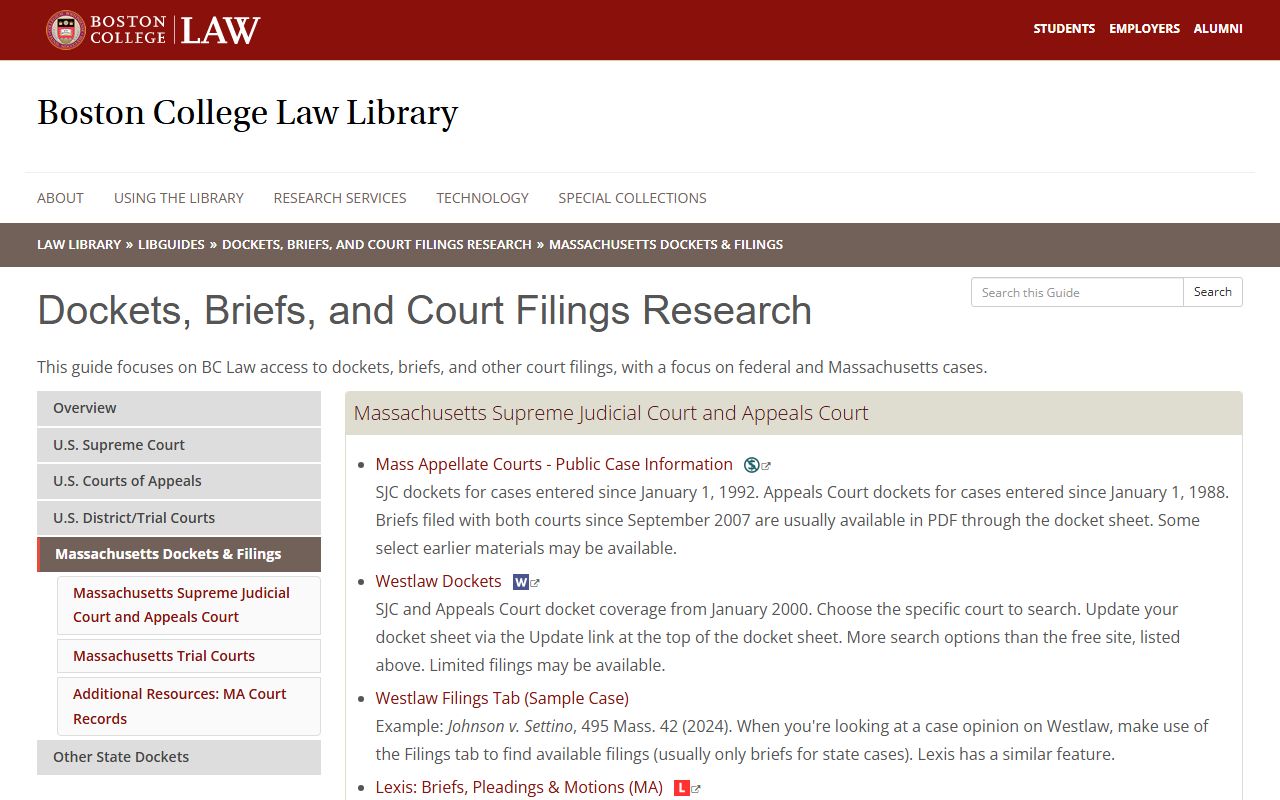
Several resources can help you find and understand Massachusetts court docket records. The Boston College Law Library offers a detailed guide to searching Massachusetts court dockets, including tips on using eAccess and finding older records. It is free to access online.
The Boston Bar Journal has published articles on public access to electronic court records in Massachusetts. These pieces explain the legal framework, the limits of online access, and what steps the courts have taken to expand public access over time. The Boston Bar Association also offers a lawyer referral service at (617) 654-0400 if you need legal help understanding or responding to court records.
Massachusetts Trial Court Law Libraries are open to the public at most courthouse locations. They provide free access to legal research databases, forms, and reference materials. Staff can point you to the right resources for court docket searches, though they cannot give legal advice. The Massachusetts Court Records information site explains how to navigate the state court system for those unfamiliar with the process.
For federal court dockets in Massachusetts, use PACER at mad.uscourts.gov. The U.S. District Court for Massachusetts handles federal civil and criminal cases. Bankruptcy court records are at mab.uscourts.gov. Federal PACER charges $0.10 per page for document downloads, with a quarterly cap of $30 for most users. Older closed federal bankruptcy records may be at the National Archives Federal Records Center in Waltham, reachable at (781) 663-0378.
Browse Massachusetts Court Docket Records by County
Each county in Massachusetts has its own court locations and clerk offices. Pick a county below to find local court docket information, addresses, and access options.
View All 14 Massachusetts Counties
Court Docket Records in Major Massachusetts Cities
Residents of major cities across Massachusetts can look up local court docket records and find the courthouse that handles their cases. Pick a city below to get started.